How to Play Doomscrillion
Seven prompts, 25 seconds each, one run a day. Type any answer that fits the prompt, press Post, and the rarer it is, the deeper it sinks in the feed.
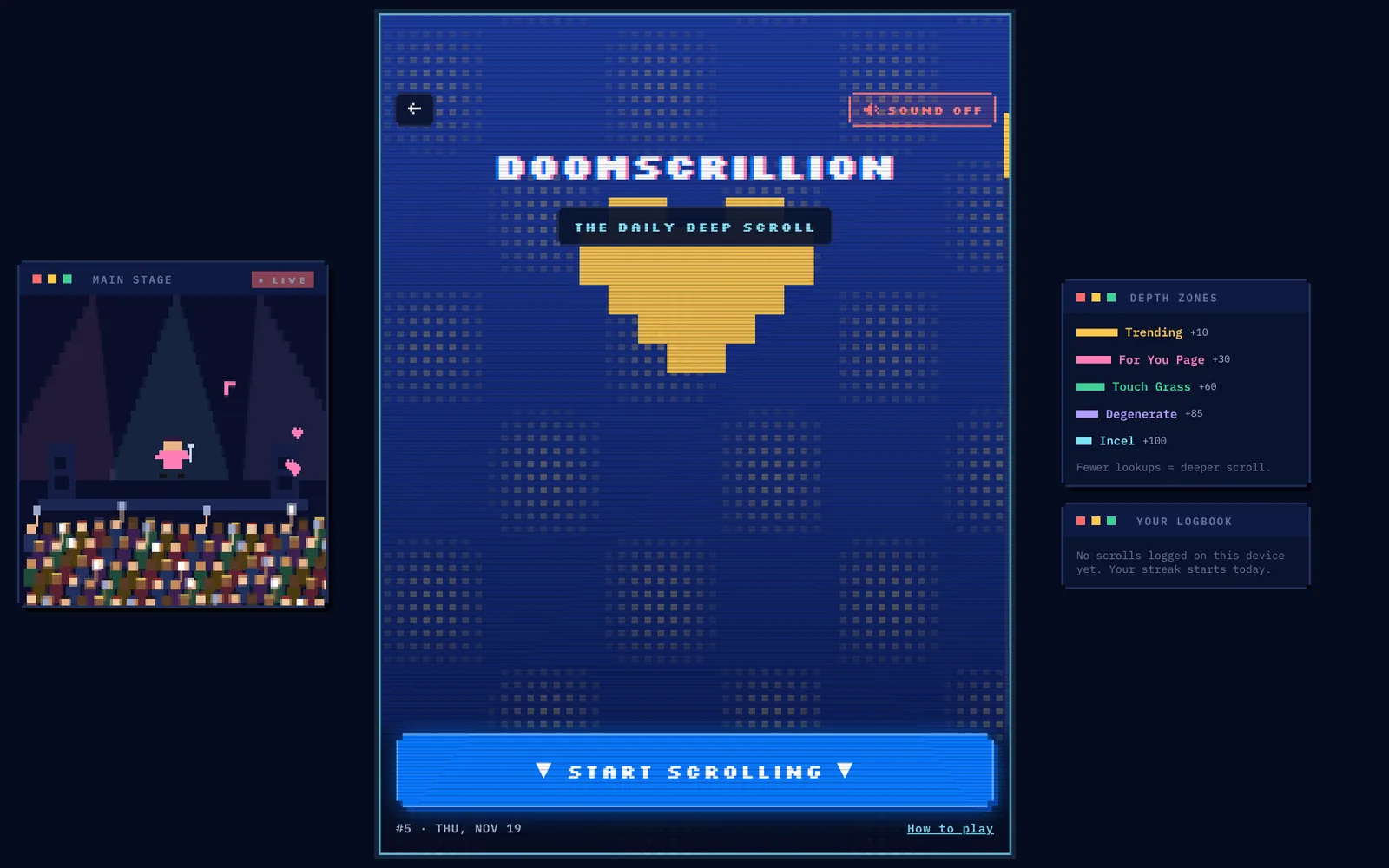
The four steps
- Open the official game. Go to forumhits.com/doomscrillion in any browser and press Start Scrolling. There is nothing to install and no account to create.
- Read the prompt. Each prompt asks for one thing: an internet aesthetic, a song with “Love” in the title, an English YouTuber. A short get-ready count runs first, then the 25-second clock starts.
- Post an answer before the clock hits zero. Type, press Post (or Enter). The first accepted answer locks in the prompt. A wrong answer costs nothing, so you can keep trying until one is accepted or the clock runs out. A close spelling shows the match and asks you to press Enter again to confirm.
- Watch how deep it sinks. Every accepted answer lands in one of five depth zones, from Trending (10) to Incel (100). After seven prompts you get your total in posts and can see the deeper answers you missed. The full table is on the scoring page.
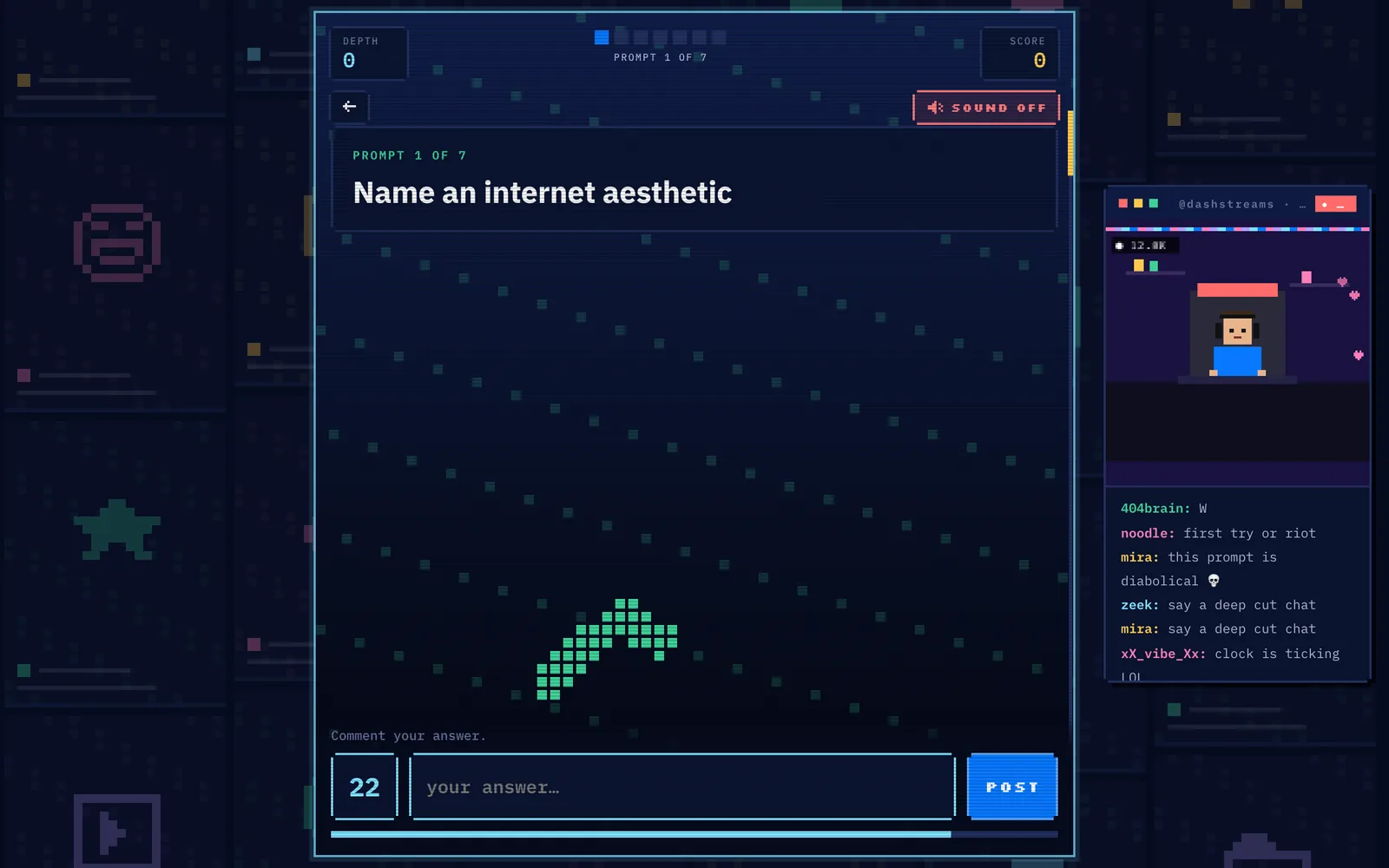
What the 25-second clock does
The number in the bottom-left corner of the answer box is your time. It counts down from 25 for a normal prompt. Bonus cards use their own clock: the Nov 19 bonus ran for 20 seconds.
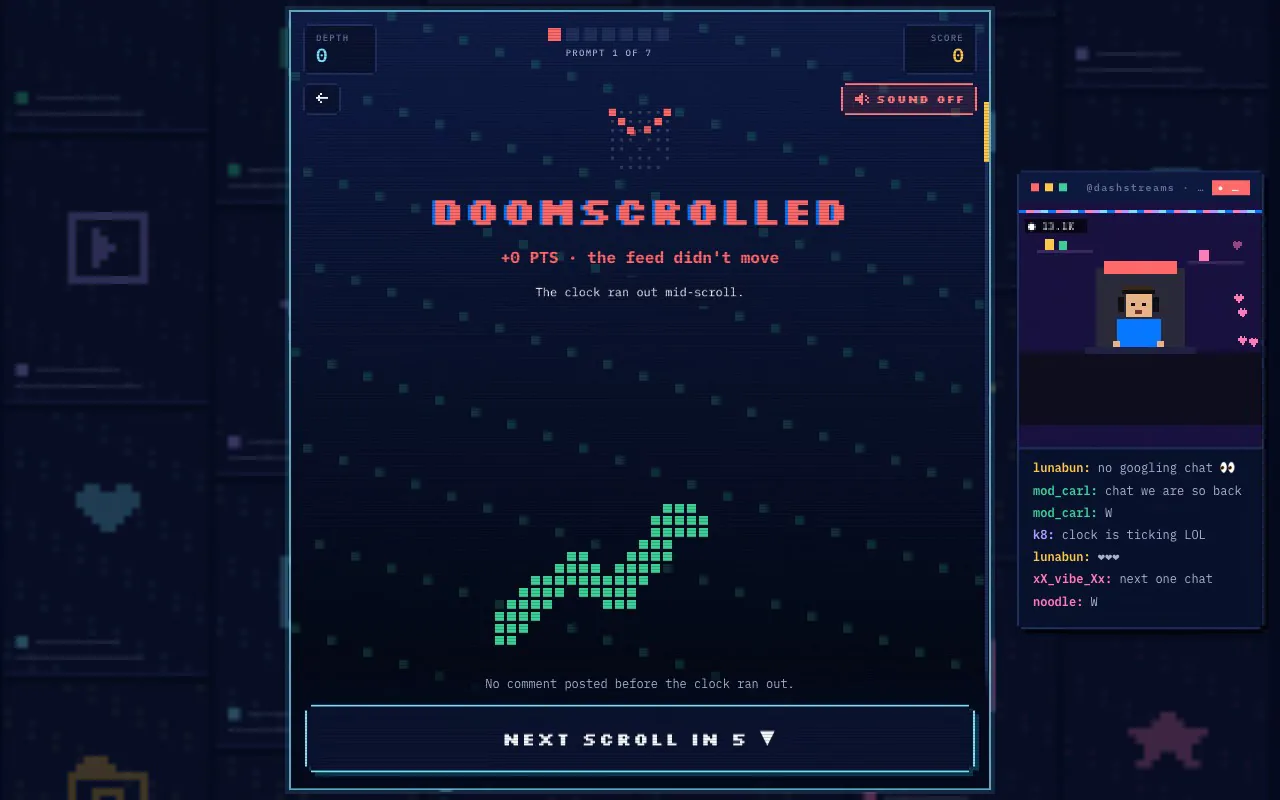
If nothing is accepted before zero, the screen reads Doomscrolled and you get +0 posts for that prompt. The game then moves to the next scroll on its own, so you never get stuck on one question.
Special rounds you may meet
Most days are seven open-answer prompts. Some days swap one in for a visual or number round. These are the types seen so far; the full scoring rules are on the rules page.
| Round | How you answer | Points |
|---|---|---|
| Face + movie blend | Name the person and the film in a blended image | 30 per part, 60 for both |
| Three-person blend | Name three streamers merged into one face | 85 for any accepted partial or full match |
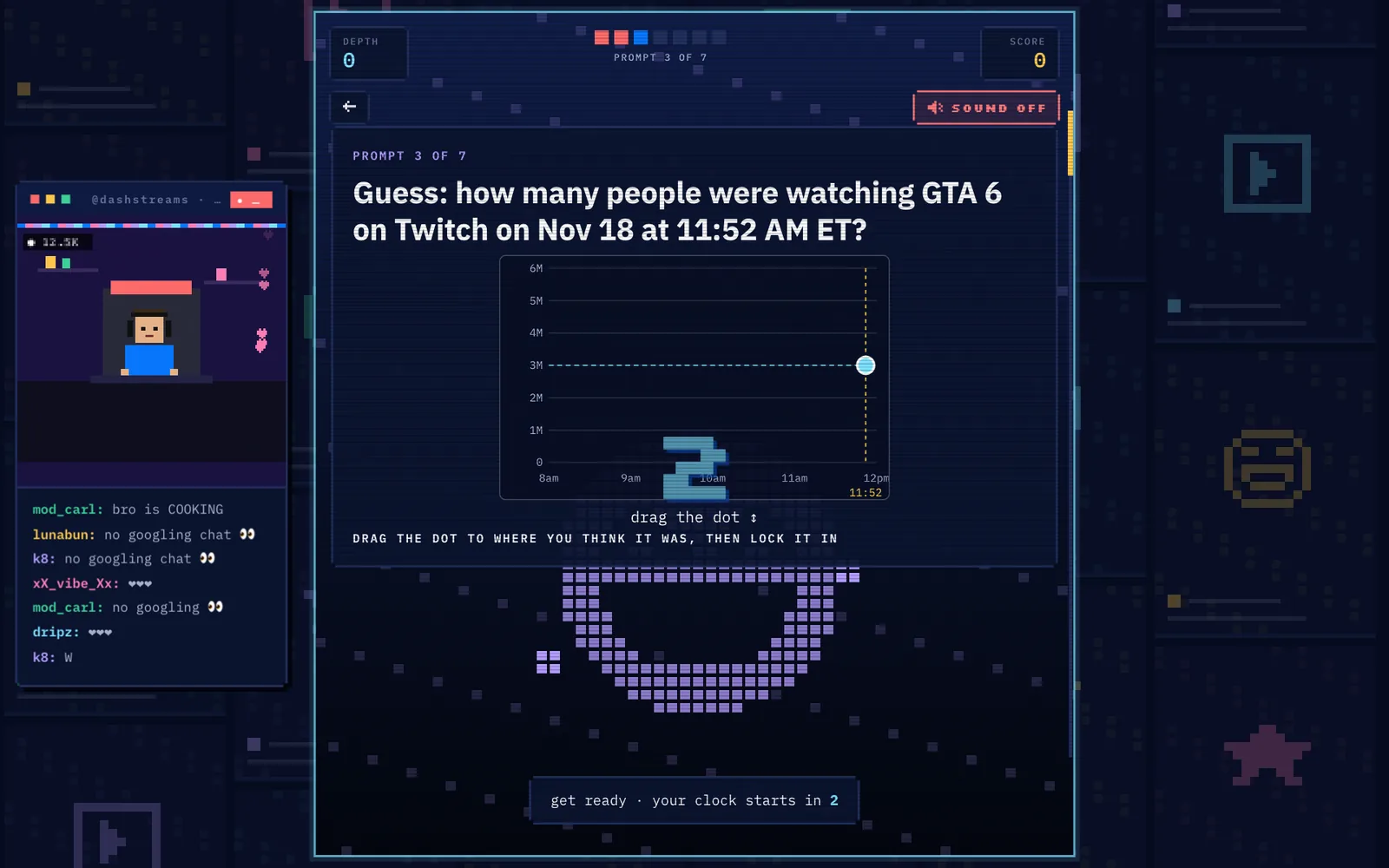
| Number estimate | Drag a dot on a chart, then lock it in | 100 within 10% down to 10 if far off |
| Multiple choice | Pick one of four options | 60 in the observed round |
| Silhouette | Name the character from its outline | 85 in the observed round |
| Selfie | Copy a face on camera for a share card | No points |
| Bonus (prompt 8) | One extra open prompt on some days | +100, raising the cap to 800 |
Phone or desktop
Both work in the browser. On a phone the keyboard opens under the answer box and the Post button sits to the right of the field. On desktop, Enter posts the answer, which saves a second or two per prompt.
Your results and streak live in the browser's Logbook, so switching devices starts a fresh log. Clearing site data does the same.
Three habits that raise the score
- Skip the first answer that comes to mind. Everyone else thought of it too, and it usually lands in Trending.
- Stay on the prompt. A rare answer that does not fit scores nothing, so relevance comes first.
- Lead with the deep idea. The first accepted answer ends the prompt, so keep the safe answer as a fallback for the last few seconds. More on the hints page.
Watch a real run
Frequently asked questions
How many prompts are in Doomscrillion each day?
Seven scored prompts. Some days add an eighth bonus prompt worth +100 or a selfie card that does not score.
How long do you get per prompt?
25 seconds for a normal prompt. The Nov 19 bonus card used a 20-second clock.
Can I play Doomscrillion on my phone?
Yes. It runs in mobile and desktop browsers with no download or account.
Sources
- Doomscrillion official page (Forum)
- Doomscrillion game client (Forum)
- Official daily prompt files, day 1–14
- DleBox Doomscrillion guide
- doomscrillion.org (guide + Deep Signal)
How I check: source counts refer to independent publishers, not the number of links. Official answer files are one source; table status labels identify claims supported by one publisher or by multiple independent sources. See the editorial policy.